
Selin
Orders taken where the customer is.
Selin is the sales force application connected to Microsoft Dynamics 365 Business Central: orders and sales, daily routes and visits, customers and items, receipts printed on site.
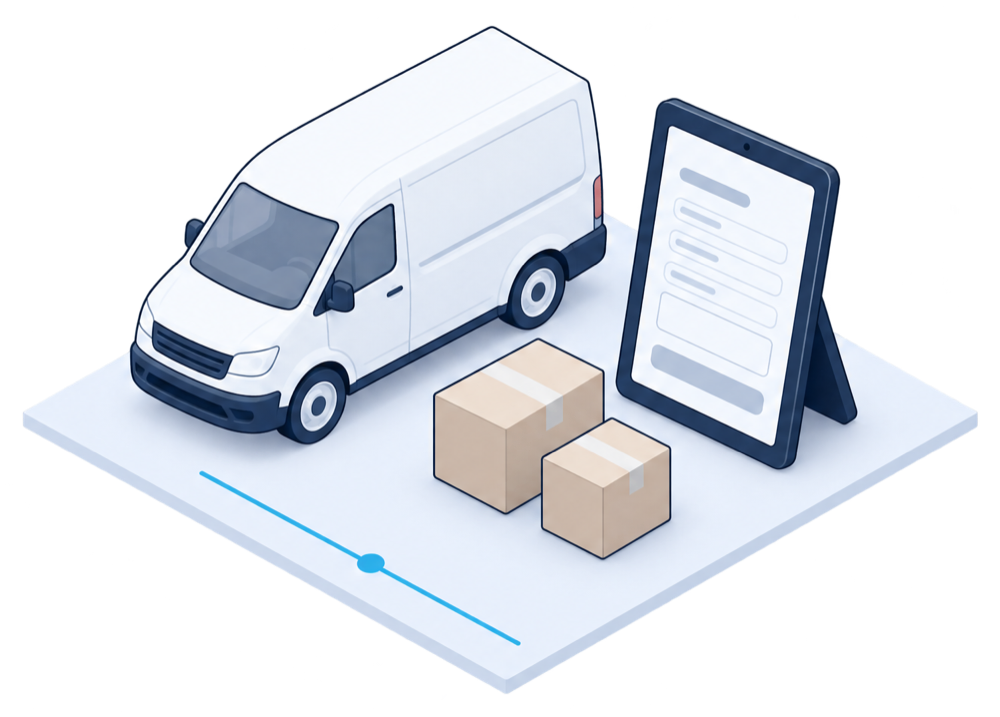
Eight functions for sales teams in the field.
Selin brings orders, routes, customers and performance together in one mobile application.
Orders and sales
The pre-seller takes orders for later delivery; the seller handles direct sales with the customer.
Routes and daily visits
Personal routes with the day's customer visits, sorted by location; a visit starts with a QR code scan.
AI-assisted maps
The maps guide each user to the customer and suggest the best route.
Data synchronisation
Automatic or manual synchronisation with Business Central, set as you choose.
Performance tracking
Daily, weekly and monthly figures for each user, with sales and visit history.
Customers and items
Customer and item records, with the history of orders and sales.
Mobile printing
Receipts printed on site for the customer, from a mobile printer.
AI voice agent
Orders and sales created by voice: the user names the items, the app prepares the transaction.
Designed for each role in your team.
Each role has the functions of its job, on the same platform and with the same data.
Pre-seller
Builds the customer relationship and creates orders to be delivered later.
- Create and manage pre-orders
- Plan the routes
- Follow own performance
Seller
Handles direct sales and the customer relationship on site.
- Direct sales with the customer
- Stock on the vehicle
- Receipts printed on site
Merchandiser
Looks after product placement and display at the point of sale.
- Product placement
- Shelf display
- Visit reports
Delivery driver
Delivers the orders taken and handles returns.
- Delivery routes
- Proof of delivery
- Returns of goods
Deployment
Up and running in three steps.
From installation to the first route.
Install
On iOS and Android, from the stores or through your enterprise distribution.
Configure
Connect Business Central, set the user roles, the synchronisation and the routes.
Onboard the team
Train the field teams and start on a first route.
Everything is configurable
Roles, synchronisation, routes and screens are set to match the way your teams sell.
Request a Selin demo
Frequently asked.
What teams usually ask before a demo.
Does Selin replace our ERP?
No. Selin works in the field and exchanges data with Microsoft Dynamics 365 Business Central, which remains your system of record.
Which ERP does it connect to?
Selin is integrated with Business Central. For another ERP, we review the connection with you during the demo.
Can each role have its own screens?
Yes. Pre-seller, seller, merchandiser and delivery driver each have the functions of their job.
How do field orders reach the warehouse?
Orders are synchronised with your ERP; with WINS, the warehouse prepares them in the same flow.
Complementary solutions.
Add them when your next priority calls for it.
Warehouse & Logistics
WINS
Warehouse Intelligence System: receiving, storage, preparation and shipping, connected to your ERP.
- Structured, checked receiving
- Known locations, consistent stock
- Order preparation and shipping
Business Insights
Insight
KPI dashboards and simplified, AI-assisted analysis.
- KPI dashboards
- Simplified, AI-assisted analysis
- Data from your other solutions
Document Operations
OCR Agent
OCR Agent — document capture, classification and routing, from the mailroom to your ERP.
- Paper and digital documents captured
- Classification and field extraction
- Routing to the right workflow
Seven solutions in all
Each one works on its own and connects to the others through your ERP.
See all solutions
Start with one sales team, extend at your pace.